

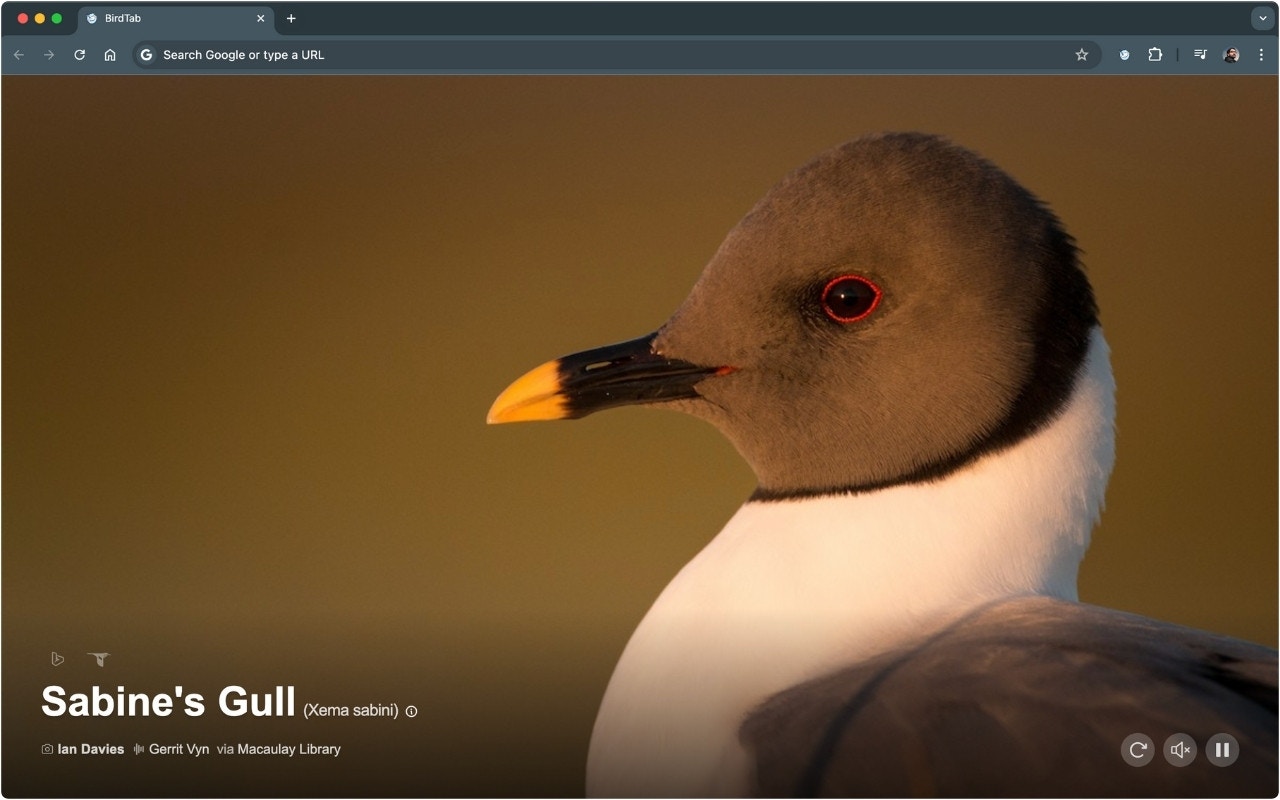
What’s shown
Name
Common name prominently displayed, scientific name in italics beneath it.
Photo
Full-screen landscape photography from the Macaulay Library at Cornell Lab of Ornithology.
Facts
A short description of the species, its habitat, and behaviour.
Location
Where the specific photo was taken in the field.
Credit
Photographer name, linked back to the original Macaulay Library asset.
eBird link
Click the bird’s name or eBird icon to open the full species page.
Refreshing the bird
Click the refresh button (circular arrow) in the toolbar to load a different bird immediately, without waiting for the next day. This draws a new random bird from your selected region.How birds are selected
Birds are drawn from a pool of species relevant to your selected region. Each day a new bird is picked randomly from that pool. The next day’s bird preloads in the background so new tabs open instantly.By default BirdTab shows birds from North America. Pro users can choose from 200+ regions worldwide. See International Regions.